REC 00:00:00:00/THE AGENT-FIRST VIDEO EDITOR

Don't edit.
Delegate.

Vidmoat is the video editor built for agents. Tell the built-in one what you want — or plug in Claude, Cursor, or your own — and it cuts, captions, grades and ships finished videos. You take the credit.

Start free ↗

No credit card. No watermarks. No "rendering…" existential dread.

cut 47 silences
captions: ON
b-roll matched
cooking_video_FINAL_v9(actual).mp4AI: COOKING
“okay so today we're making the CRISPIEST—”
00:0000:3001:0001:3002:0002:3003:00
b-roll: sizzle.mp4
b-roll: plating.mp4
captions.srt — auto
AGENT-FIRSTMCP SERVERAUTO-CUTAI CAPTIONSTEXT-TO-EDITONE-CLICK SHORTS
65+
timeline commands
every edit, scriptable
11
MCP tools
plug in Claude or Cursor
33+
effects & filters
green screen included
1
prompt to edit
the agent does the rest
TIKTOK ✦ REELS ✦ YOUTUBE ✦ SHORTS
MADE FOR WHERE YOU ACTUALLY POST

Edit once. Post everywhere.

One edit gets reframed, re-timed and re-hooked for every platform. Click a format — or just watch it cycle.

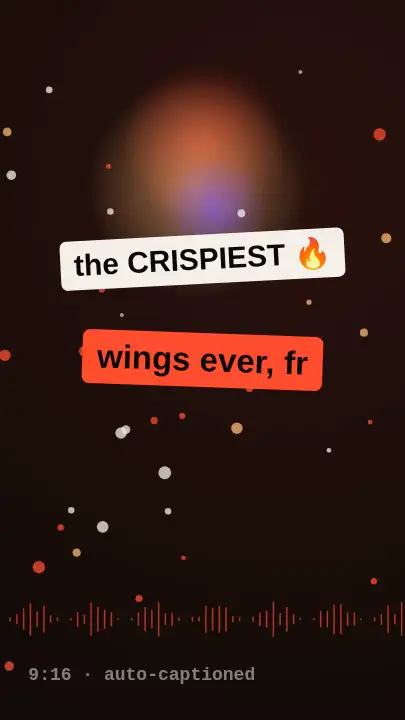
TIKTOKthe CRISPIEST9:16 · hook rewritten
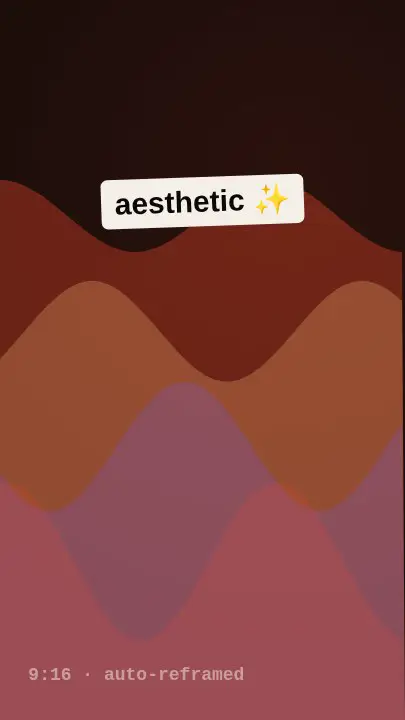
REELS9:16 · auto-reframed
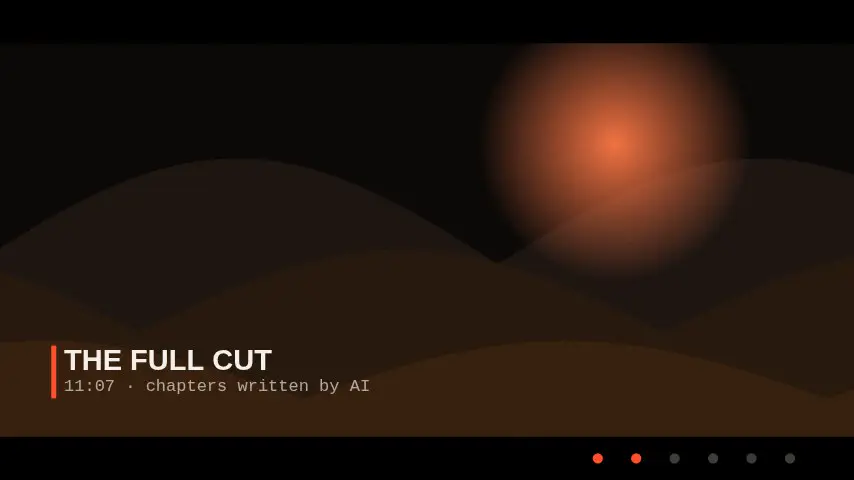
YOUTUBE16:9 · full cut · 11:07
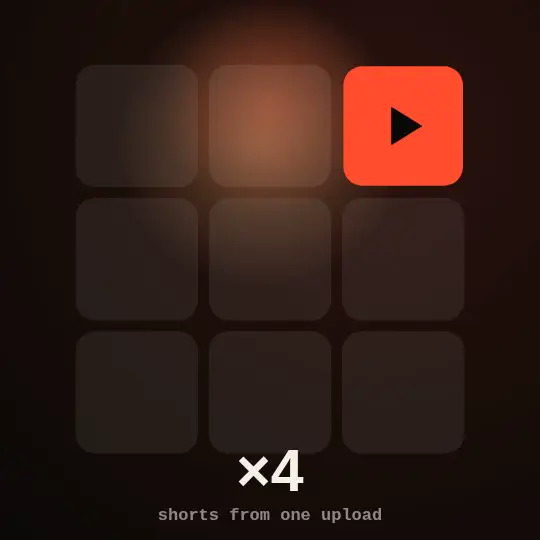
SHORTS×12 · hooks included

One edit in. Sixteen posts out. Your upload schedule never saw it coming.

[F1] — THE HEADLINER

Auto-Cut watches all 3 hours of your footage so you don't have to.

It finds the good takes, kills the dead air, and stitches the story — before your coffee even brews. Every cut stays editable, because we know you'll tweak it anyway.

See it in the editor →
RAW — 03:12:443h of chaos
✂ auto-cut ran (14 sec)
CUT — 00:11:0711 min of banger
[NEW] — MOAT AI AGENT

Type what you want.
Watch it edit itself.

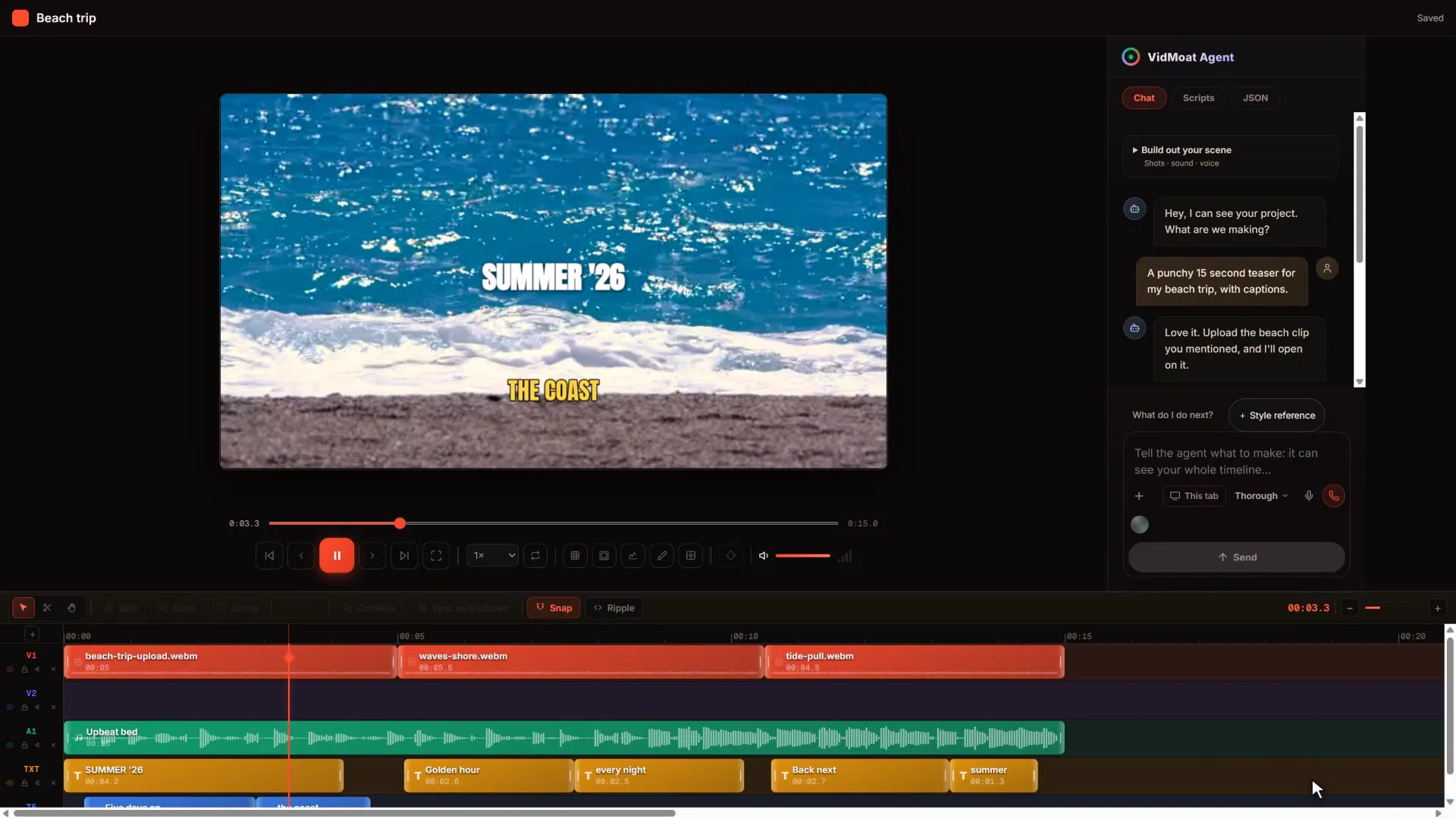
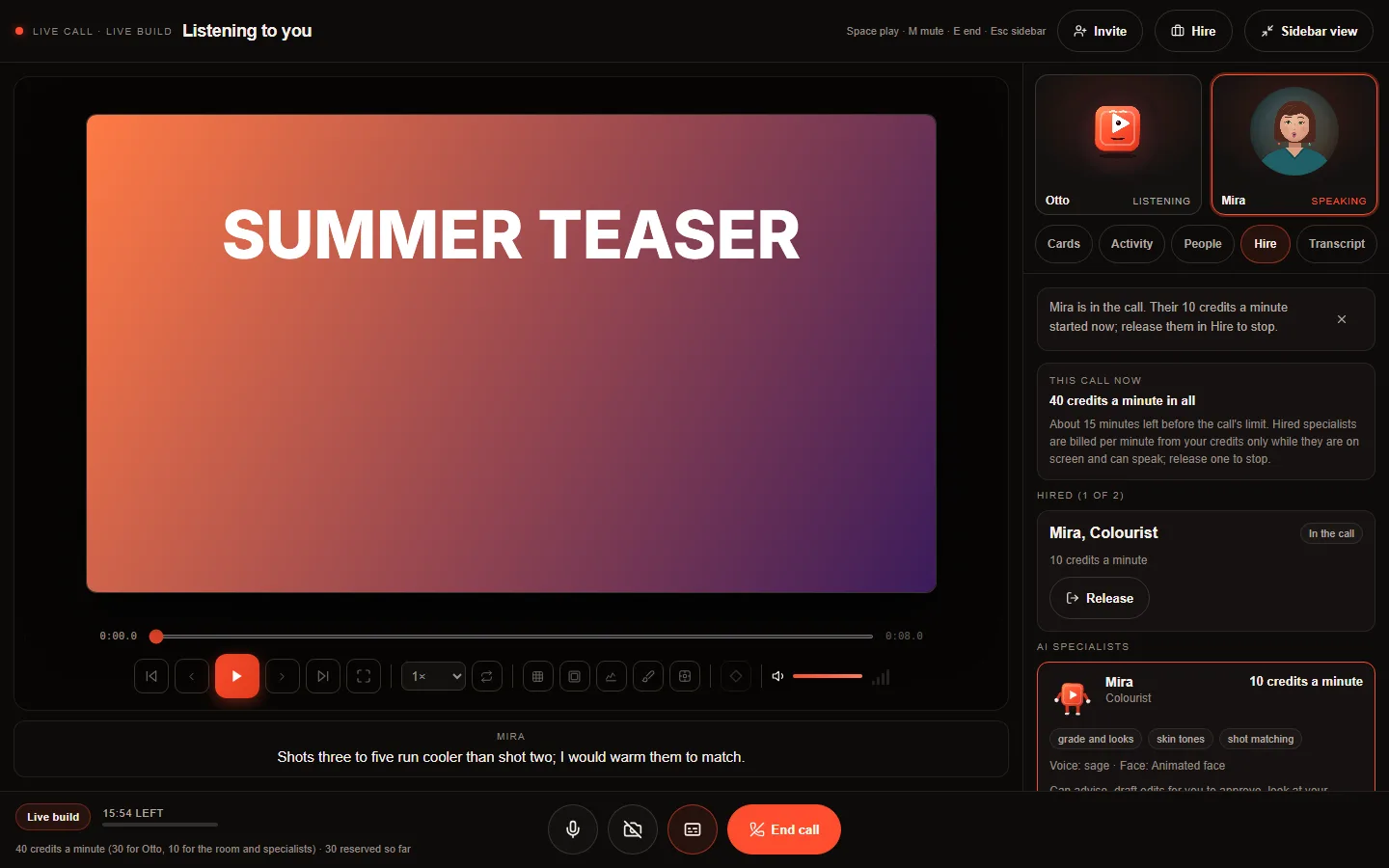
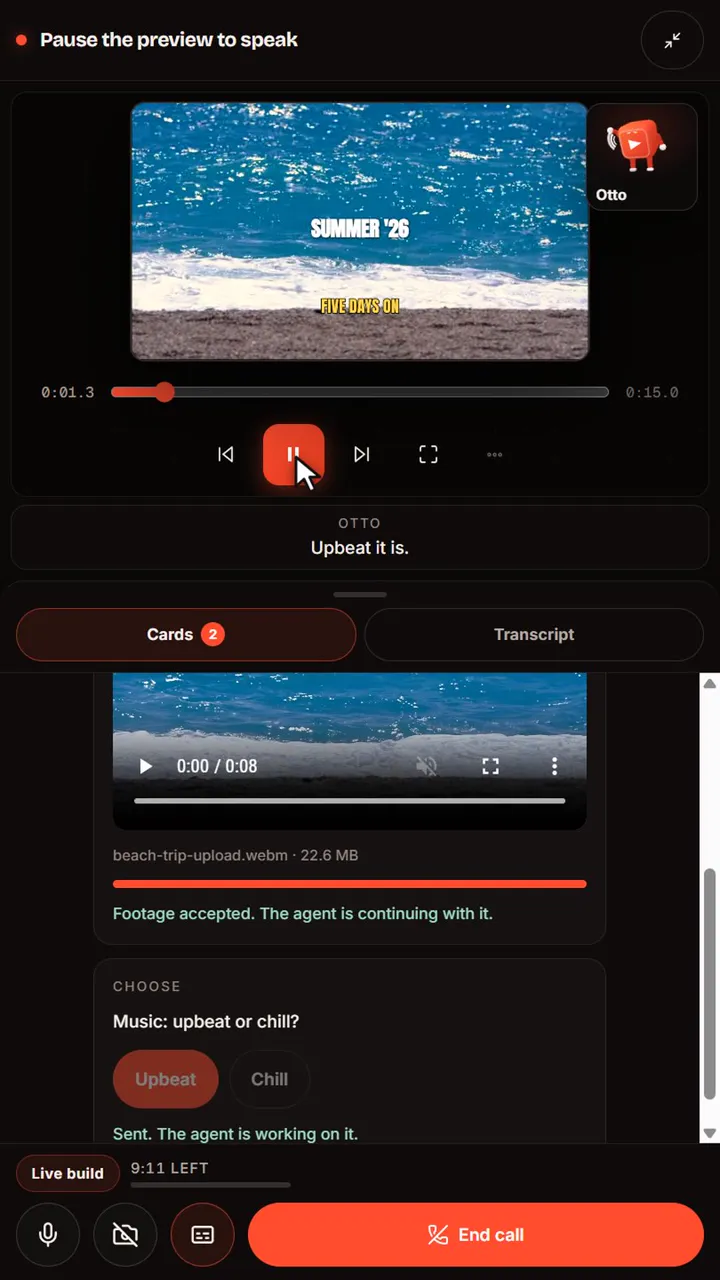
Never opened a video editor? Doesn't matter. Tell the agent "make this a punchy TikTok" and it reads your footage, writes the captions, cuts the dead air, and grades the color — step by step, out loud, until it's done.

Understands what’s said in your clips (word-level)
Plans multi-step edits & self-corrects
Never touches what you didn’t ask for
Try a prompt free →
MOAT AI — AGENT CONSOLElive
make this a punchy tiktok
[NEW] — BRING YOUR OWN AGENT

Your editor is now an MCP server.

The first video editor any AI agent can drive end-to-end. Connect Claude Code, Cursor, or your own agents over Model Context Protocol — they import footage, edit the timeline, look at the frames they made, and render finished MP4s. No browser. No clicks.

65+ timeline commands — captions, keyframes, effects, all of it
Agents see their work: frame previews come back as images
Same plan, same projects — an API key is all it takes
Get your MCP key →
claude — connected to vidmoat mcp
$ claude mcp add --transport http vidmoat api.vidmoat.com/api/mcp
> "cut my podcast into 3 shorts with karaoke captions, then render"

WORKS WITH EVERY AGENT THAT SPEAKS MCP

Claude CodeCursorWindsurfGitHub CopilotClineZedContinueGooseWarpGemini CLIClaude DesktopOpenAI Agents SDK

…and anything else with an MCP client. One key, one command to connect →

THE FULL KIT

Everything inside.

A full professional editor underneath the agent — open a chapter.

01Cut & polish
Auto-cut silences
Beat-sync markers & cut-on-grid
Speed ramps, reverse & freeze frames
Transitions, masks & blend modes
Color grades, LUTs & adjustment layers
One-click video stabilization
02Captions, text & audio
Word-level auto-captions
Karaoke & social caption styles
Filler-word removal from transcript
Auto-duck music under speech
Audio EQ, restore & silence trim
AI sticker generator & HTML titles
03The agent & automation
Moat AI console — edit by prompt
MCP server: Claude, ChatGPT, Cursor
Edit from Telegram & WhatsApp chat
Scripting — build your own edit macros
REST API with your own keys
04Ship everywhere
Auto-reframe 9:16 · 1:1 · 16:9
Platform presets: TikTok, Reels, Shorts, YouTube
4K exports, mp4 / webm / gif
Distribute workspace — one edit, every format
Desktop app: 10 GB files, zero uploads
OR JUMP STRAIGHT TO A TOOL
AI Auto CaptionsSilence RemoverFiller Word RemoverBeat Sync EditorVideo Background RemoverAuto ReframeVideo StabilizerColor Grading & LUTsAuto Audio DuckingAI Sticker GeneratorSpeed RampingVideo to GIF Maker

Fresh from the lab.
Shipping weekly.

NO PLUG-INS / NO EXPORT QUEUE
Remove BG

One click. No green screen. The background just… leaves.

WATERMARK
Cleanup Brush

Paint over anything you regret filming. Logos, strangers, exes.

KEYED ✦
Green Screen

Chroma key with spill cleanup. Pick the color, gone.

CAPTIONSTHATACTUALLYSLAP
Karaoke Captions

Every word lights up as it's spoken. Auto-synced to your audio.

The whole suite.
None of the suffering.

06 TOOLS / 00 TUTORIALS NEEDED
[F1]CUT

Auto-Cut

Finds the good takes, kills the flops. Your rough cut, already cut.

[F2]TEXT

Text-to-Edit

Delete a sentence in the transcript, it disappears from the video. Editing by backspace.

[F3]CC

AI Captions

Word-perfect, on-beat, styled to your brand. Not a court transcript.

[F4]SFX

Silence Slayer

Umms, ahhs, and dead air — detected and deleted. Ruthlessly.

[F5]CLIP

One-Click Shorts

One long video in, twelve vertical bangers out. Hooks included.

[F6]ROLL

B-Roll Brain

It scans your library and drops the right shot at the right beat. You take the nap.

MADE FOR THE WAY YOU ACTUALLY CREATE

Three creators. Three moats.

Same agent, three completely different workflows. Yours is in here somewhere.

🎙️THE PODCASTER

Records Tuesday night. By Wednesday morning: the full episode on YouTube, twelve clips for Shorts, karaoke captions on every one. She hasn’t opened a timeline in months.

3 hrs recording13 posts
🍳THE CHEF

Films the whole cook on one phone, dumps the footage, types “fast recipe edit, keep the flip.” The agent cuts the prep, keeps the fire, captions the seasoning rant.

40 min footage60-sec banger
🏋️THE COACH

Green-screens himself over client transformations, brushes out the gym’s logo, ships a polished breakdown to four platforms — before his next session walks in.

1 take4 platforms
HOW IT WORKS — 3 STEPS, 0 BRAIN CELLS
01

Dump your footage

Drag in everything. The good takes, the bloopers, the 40 minutes you forgot to stop recording.

02

Tell it the vibe

"Fast-paced cooking video, punchy captions, keep the part where the pan catches fire." Done.

03

Ship the banger

Tweak what you want, export in every format, and get back to the part you actually love: filming.

Cheaper than an editor.
Faster than three of them.

HOBBY
$0forever

For testing the waters. Or the moat.

3 projects
Auto-Cut + captions
720p exports
Tiny watermark (sorry)
Start free
MOST HYPECREATOR
$19/month

For people who post like it’s their job. Because it is.

Unlimited projects
The full AI suite
4K exports, no watermark
One-Click Shorts
Brand kit + caption styles
Go Creator
STUDIO
$49/month

For teams shipping content at industrial scale.

Everything in Creator
5 seats + shared library
Multicam sync
API + priority renders
Go Studio
FAQ — THE STUFF YOU'D DM US ANYWAY

Fair questions.

Do I need to know how to edit video?+

No — that's the whole point. Type what you want in plain words (“make this a punchy TikTok”, “add captions”, “cut the boring parts”) and the AI agent plans and applies the edits. Everything stays on a normal timeline, so you can tweak by hand whenever you want.

Is the free plan actually usable?+

Yes. 3 projects, the AI console, auto-captions, effects, and 720p exports — free forever, with a small watermark. Upgrade when you want 4K, no watermark, and the pro effects.

Where does my footage go? Is it private?+

Your uploads live in your account and are only used to render your videos. The clip analysis (transcripts, silence detection) runs to power your edits — we don't train on your footage or share it.

What makes this different from CapCut or Premiere?+

Those are tools you operate. Vidmoat is agent-first: an editor that operates itself — an AI with hands on the actual timeline. It cuts, captions, grades and re-formats across platforms from one prompt, everything stays fully editable, and it's the only editor external AI agents can drive too.

Can I connect my own AI — Claude, Cursor, custom agents?+

Yes. Vidmoat ships an MCP (Model Context Protocol) server: create an API key in your dashboard, add it to Claude Code or Cursor in one command, and your agent can import media, edit the timeline with 65+ commands, preview frames as images, and render MP4s — without ever opening the app.

Can I cancel anytime?+

Anytime, in one click from your account page (Stripe handles it — no email-us-to-cancel games). Your plan stays active until the end of the period you paid for.

What can the AI actually do today?+

Auto-captions with word-sync, silence cutting, multi-step edit plans from one prompt, background removal, green screen, a cleanup brush, 33+ effects, smart splits with varied transitions — and the list grows weekly.

YOUR COMPETITION IS STILL DRAGGING KEYFRAMES

Build your moat.

Start cutting — free ↗

Takes 40 seconds. Less time than your last umm.

Also on desktop — edit 10 GB files with zero uploads
Don't edit. Delegate.Start free ↗