Keep the sizzle. Make the recipe clear.
Cut a recipe people can follow, from the first ingredient to the finished plate. Give essential steps space and let the textures do some of the talking.
Start my recipe videoFree to start · AI and export limits depend on your plan.
Explore the cooking resources ↓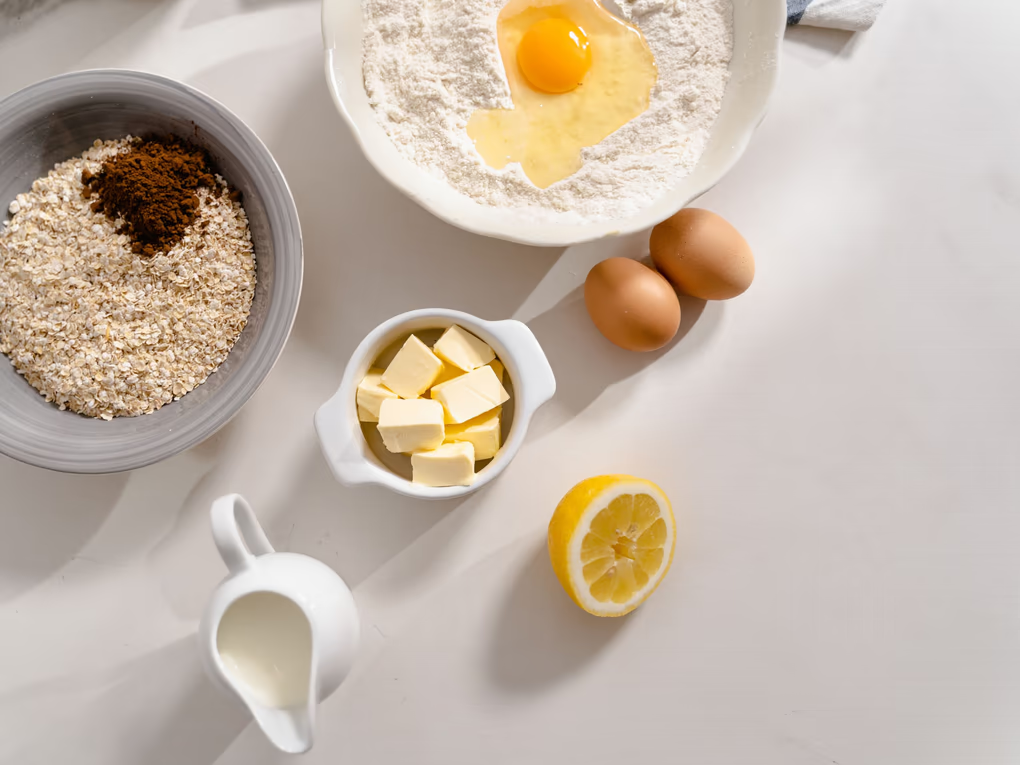
Start with the moment.
Shape everything around it.
- 01
Map the recipe
Put steps in cooking order. Label quantities and timings from your own recipe; don’t let a quick cut hide an essential instruction.
- 02
Show the change
Keep the moments that explain texture, colour or doneness. Speed through repetition while leaving the technique visible.
- 03
Let the food finish
End on the plated result. Balance useful captions with close-ups and the sound of the kitchen.
Your first brief,
already taking shape.
Bring your footage into the editor, tell the agent what matters, then review its work. Adapt this brief to the clips you actually have.
Edit this into a clear recipe video. Keep the steps in order and preserve the key technique shots. Use my supplied ingredient quantities for text. Shorten repetitive prep, keep the cooking sounds, and finish on the plated dish.
A starting point you can adapt to your own footage.
A little craft goes a long way.
Read the guide, try a focused tool, and bring what you learn back to the timeline.
How to Edit a Cooking Video People Can Actually Follow
A recipe video has two jobs at once: it has to be followable and it has to make somebody hungry. This is how to cut one so it does both, from the first ingredient card to the plated hero shot.
Read the full guide →AI Auto Captions
Word-timed captions from your audio, in karaoke, clean or bold social styles.
IN YOUR TOOLKIT ↗Speed Ramping
Keyframed speed curves, from slow motion into a whip, on one clip.
IN YOUR TOOLKIT ↗Color Grading & LUTs
Colour wheels, curves, HSL, built-in LUTs and adjustment layers over everything.
Before your first cut.
Can I put ingredients on screen?+
Yes. Add text to the timeline and check every quantity against your recipe. Keep labels readable long enough for viewers to follow.
Should every step be fast?+
No. Give unfamiliar techniques and changes in texture enough time. Shorten repetition, not the explanation.
What does it cost?+
You can start on the free plan. AI credits, export resolution and other allowances depend on your account. Compare the current plans before you begin.
Keep the sizzle. Make the recipe clear.
Start my recipe videoAlready have an account? Log inMore than one kind of creator?
There’s room for your other ideas, too.

Keep the clutch. Cut the waiting.
montage / walkthrough / short
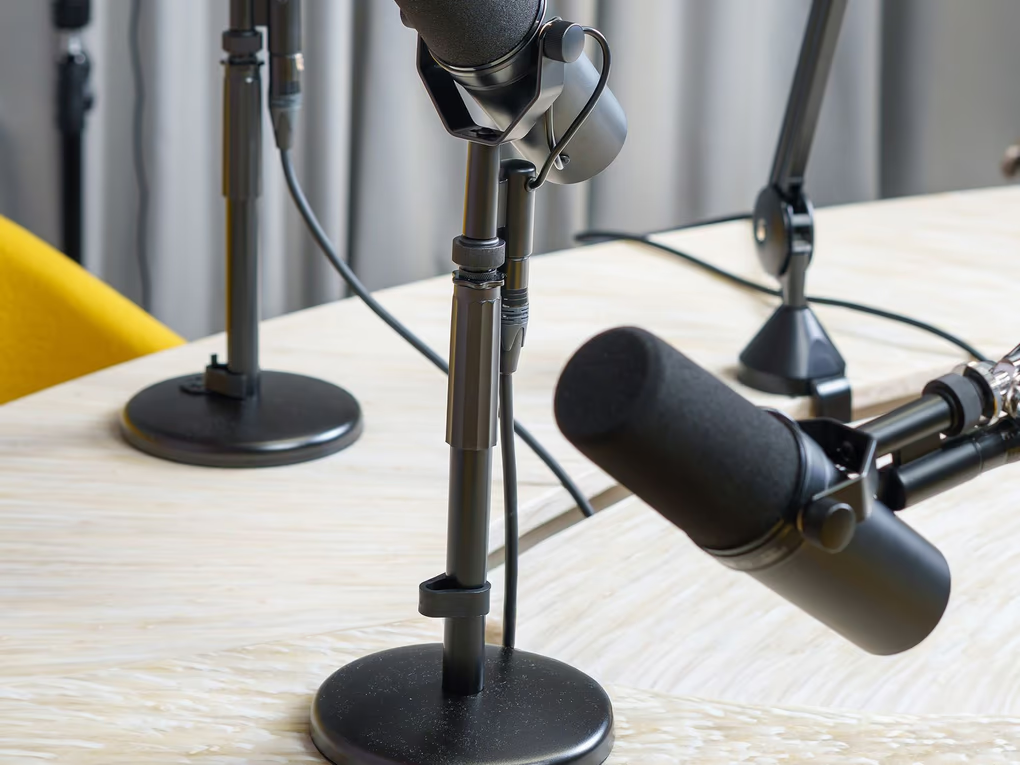
Good conversations deserve another listen.
episode / interview / social clip
Make the first frame mean something.
tiktok / reels / youtube shorts
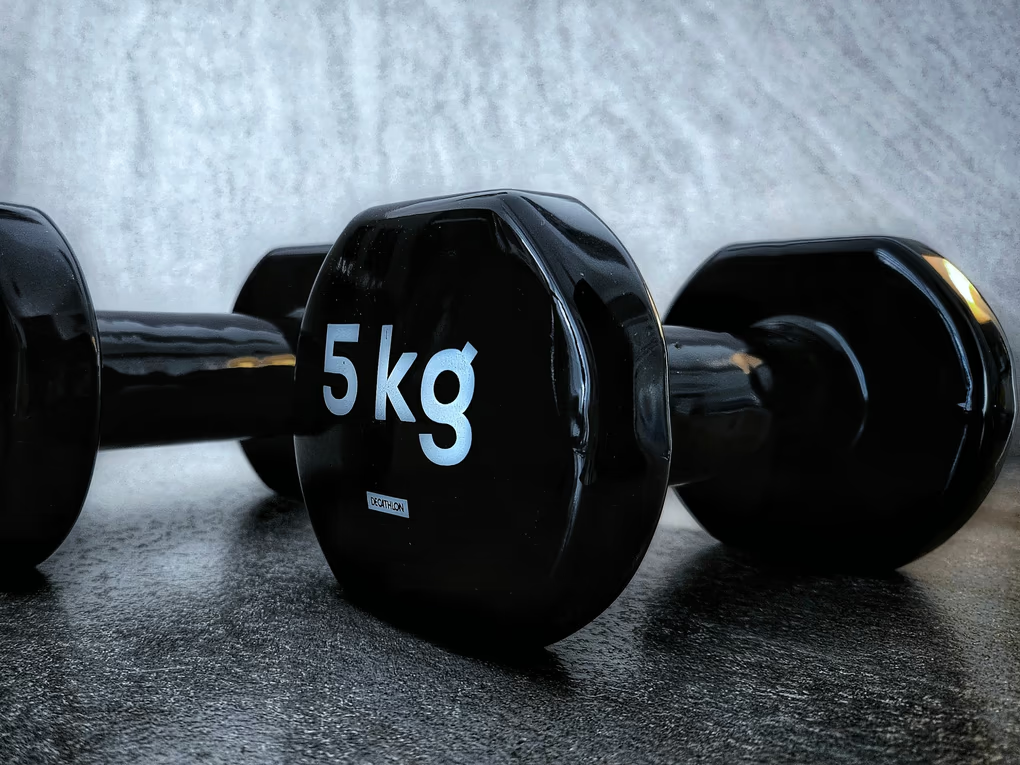
Show the form. Keep the energy.
follow-along / form check / coaching

A walkthrough with a sense of place.
property tour / listing / detail reel
Less dead air. More “I get it.”
course / screencast / how-to
Find the rhythm. Give it a picture.
performance / release teaser / music video
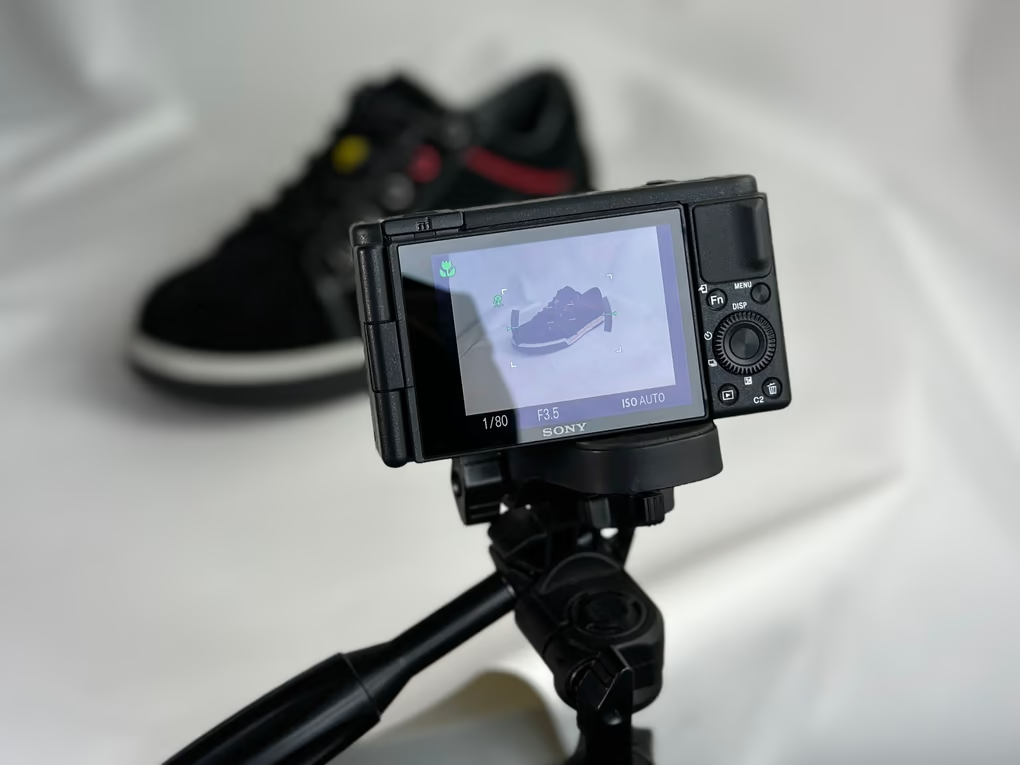
Less sales pitch. More “show me.”
tech review / product demo / launch