Make the first frame mean something.
Build vertical videos around one idea: a reveal, a useful tip, a story or a product in action. Bring the hook, captions and pacing together without losing your voice.
Start my vertical videoFree to start · AI and export limits depend on your plan.
Explore the tiktok & reels resources ↓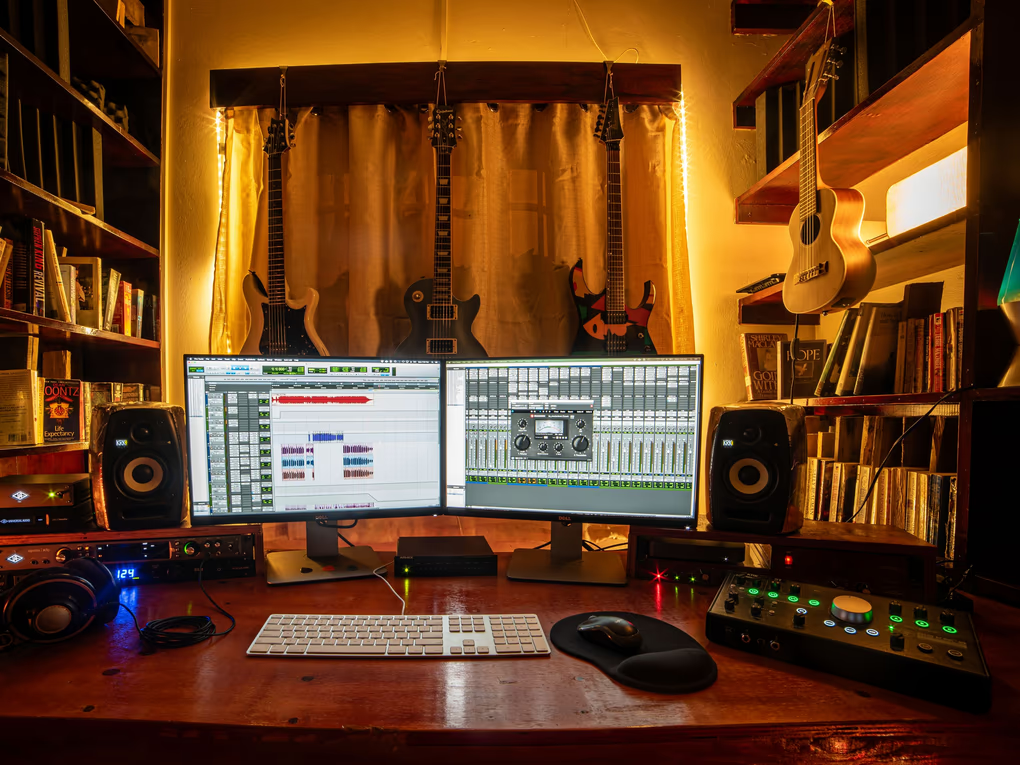
Start with the moment.
Shape everything around it.
- 01
Lead with the idea
Show what the video delivers in its opening frame. Skip the long introduction and make the promise specific.
- 02
Design for the phone
Build a 9:16 cut. Keep the subject and key text away from the edges, then preview against the destination app’s interface.
- 03
Check the silent version
Read the captions with the sound off. Then listen again and make sure music supports your voice rather than competing with it.
Your first brief,
already taking shape.
Bring your footage into the editor, tell the agent what matters, then review its work. Adapt this brief to the clips you actually have.
Create a vertical cut around this one idea. Open with the strongest relevant moment, remove repeated setup, and end with the payoff. Use readable captions and a few purposeful emphasis words. Keep text clear of interface areas and keep my voice above the music.
A starting point you can adapt to your own footage.
A little craft goes a long way.
Read the guide, try a focused tool, and bring what you learn back to the timeline.
How to repurpose one video for every platform
Exporting the same 16:9 file to every platform wastes most of the screen and buries your subject. Repurposing properly means reframing, not just resizing — and it does not have to mean four separate edits.
Read the full guide →AI Auto Captions
Word-timed captions from your audio, in karaoke, clean or bold social styles.
IN YOUR TOOLKIT ↗Auto Reframe
Turn a landscape edit into vertical, square or wide, with faces kept in frame.
IN YOUR TOOLKIT ↗Silence Remover
Cut every dead-air gap in one pass, and the timeline closes up behind it.
Before your first cut.
Will this make my video go viral?+
No editor can promise reach. Focus on a clear idea, a strong opening and a useful or entertaining payoff, then learn from your own audience.
Can I reuse a longer video?+
Yes. Choose a complete section, reframe it, and adapt the captions and pacing. Our repurposing guide walks through the decisions for each version.
What does it cost?+
You can start on the free plan. AI credits, export resolution and other allowances depend on your account. Compare the current plans before you begin.
Make the first frame mean something.
Start my vertical videoAlready have an account? Log inMore than one kind of creator?
There’s room for your other ideas, too.

Keep the clutch. Cut the waiting.
montage / walkthrough / short

Good conversations deserve another listen.
episode / interview / social clip

Keep the sizzle. Make the recipe clear.
recipe / food story / kitchen short

Show the form. Keep the energy.
follow-along / form check / coaching

A walkthrough with a sense of place.
property tour / listing / detail reel
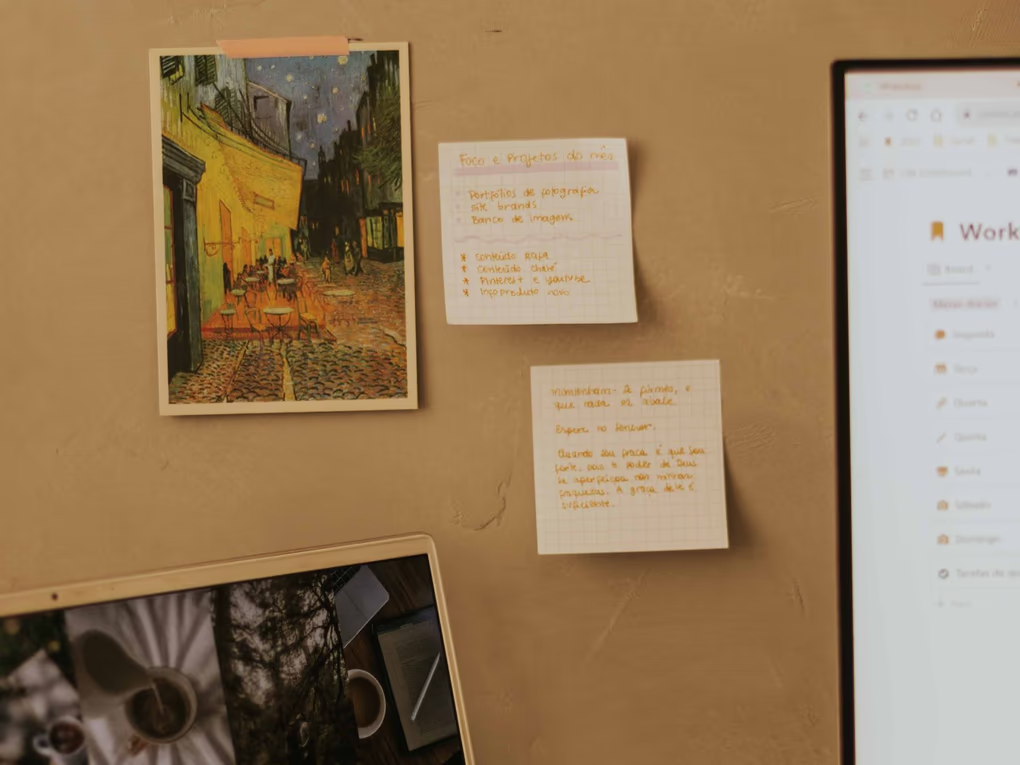
Less dead air. More “I get it.”
course / screencast / how-to
Find the rhythm. Give it a picture.
performance / release teaser / music video
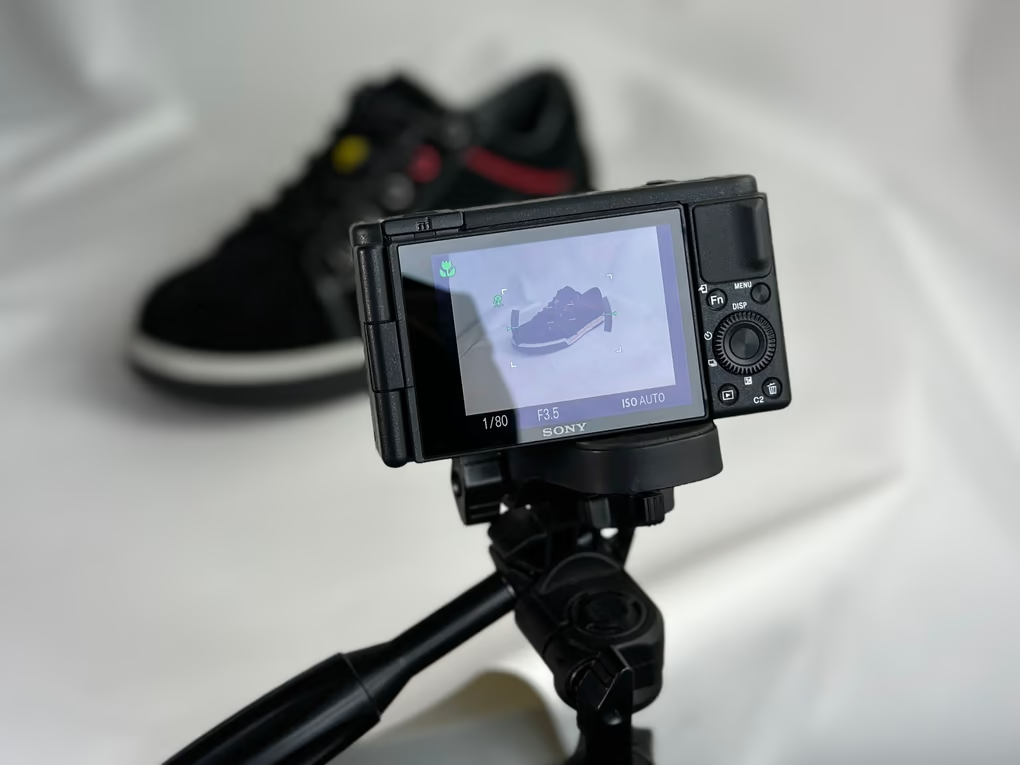
Less sales pitch. More “show me.”
tech review / product demo / launch