Less sales pitch. More “show me.”
Make hands-on reviews, product demos and launch clips that answer real questions. Show the detail, the use case and the tradeoffs behind your verdict.
Start my product videoFree to start · AI and export limits depend on your plan.
Explore the product & tech resources ↓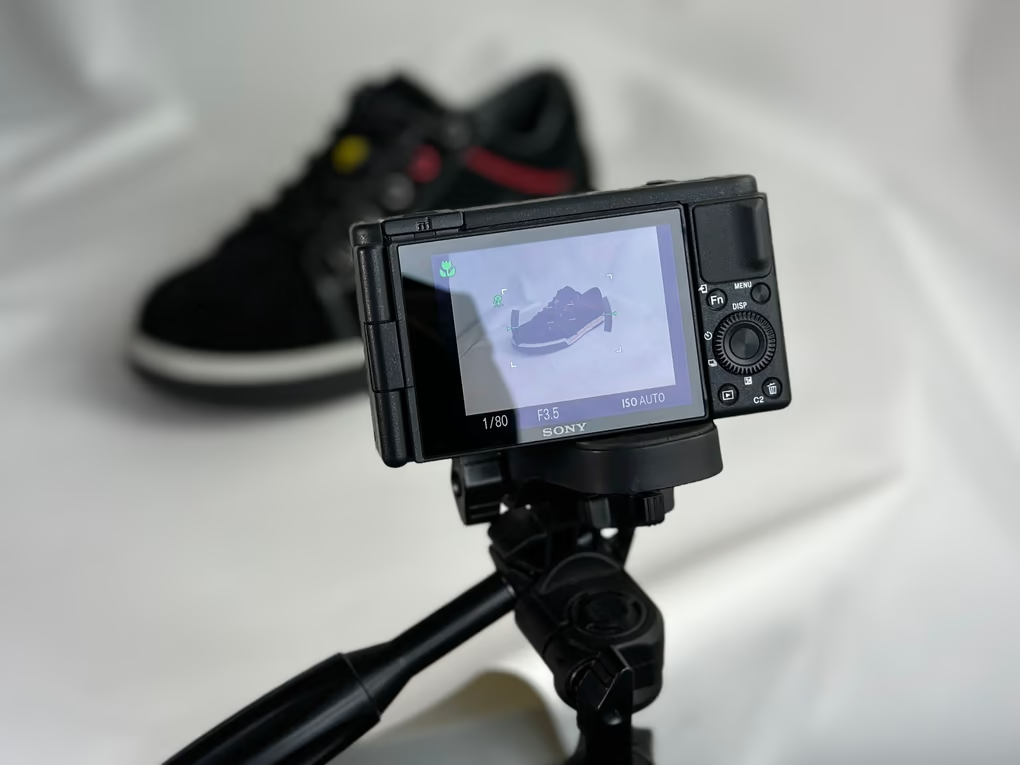
Start with the moment.
Shape everything around it.
- 01
Pick the question
What does the viewer need to see that a product photo cannot show? Start with that demonstration.
- 02
Pair claims with evidence
Use your footage to support the point. Add short callouts for supplied specs and keep the product clear of captions.
- 03
End with a useful verdict
Keep limitations and tradeoffs in the cut. Make a shorter version around one benefit without losing the context.
Your first brief,
already taking shape.
Bring your footage into the editor, tell the agent what matters, then review its work. Adapt this brief to the clips you actually have.
Make a consumer tech review from my footage. Cut the setup at the beginning and the exit at the end. Use purposeful close-ups and short spec callouts from the facts I supply. Keep my voice clear, show the evidence for each point, and preserve the tradeoffs in my verdict.
A starting point you can adapt to your own footage.
A little craft goes a long way.
Read the guide, try a focused tool, and bring what you learn back to the timeline.
Product Videos That Answer the Question the Photo Could Not
Every product page already has photos. A product video only earns its place by answering what the photos left unanswered, and most of them never get around to it.
Read the full guide →AI Auto Captions
Word-timed captions from your audio, in karaoke, clean or bold social styles.
IN YOUR TOOLKIT ↗Video Background Remover
AI background removal for people, or a chroma key for green screen, right on the timeline.
IN YOUR TOOLKIT ↗Auto Reframe
Turn a landscape edit into vertical, square or wide, with faces kept in frame.
Before your first cut.
Can I add specifications and callouts?+
Yes. Supply the facts and check every label before publishing. Use callouts to clarify what the footage shows.
Can the AI make the whole edit?+
It can help build a rough cut and apply edits. Review the pacing, captions, factual claims and output yourself before sharing.
What does it cost?+
You can start on the free plan. AI credits, export resolution and other allowances depend on your account. Compare the current plans before you begin.
Less sales pitch. More “show me.”
Start my product videoAlready have an account? Log inMore than one kind of creator?
There’s room for your other ideas, too.

Keep the clutch. Cut the waiting.
montage / walkthrough / short
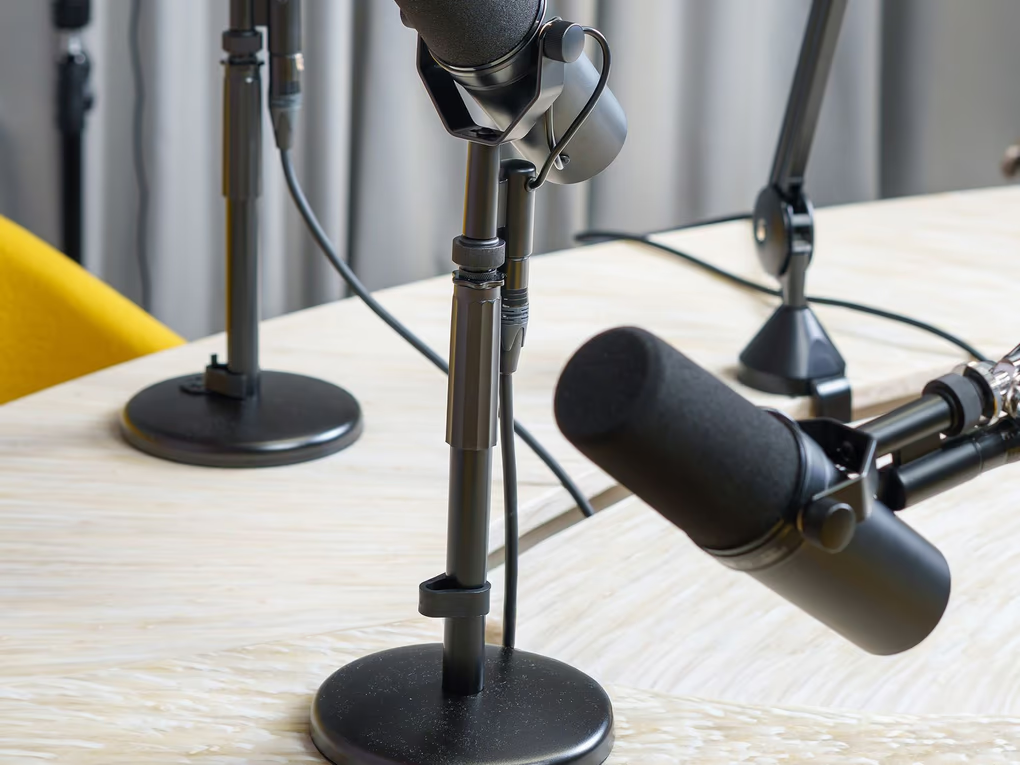
Good conversations deserve another listen.
episode / interview / social clip
Make the first frame mean something.
tiktok / reels / youtube shorts

Keep the sizzle. Make the recipe clear.
recipe / food story / kitchen short
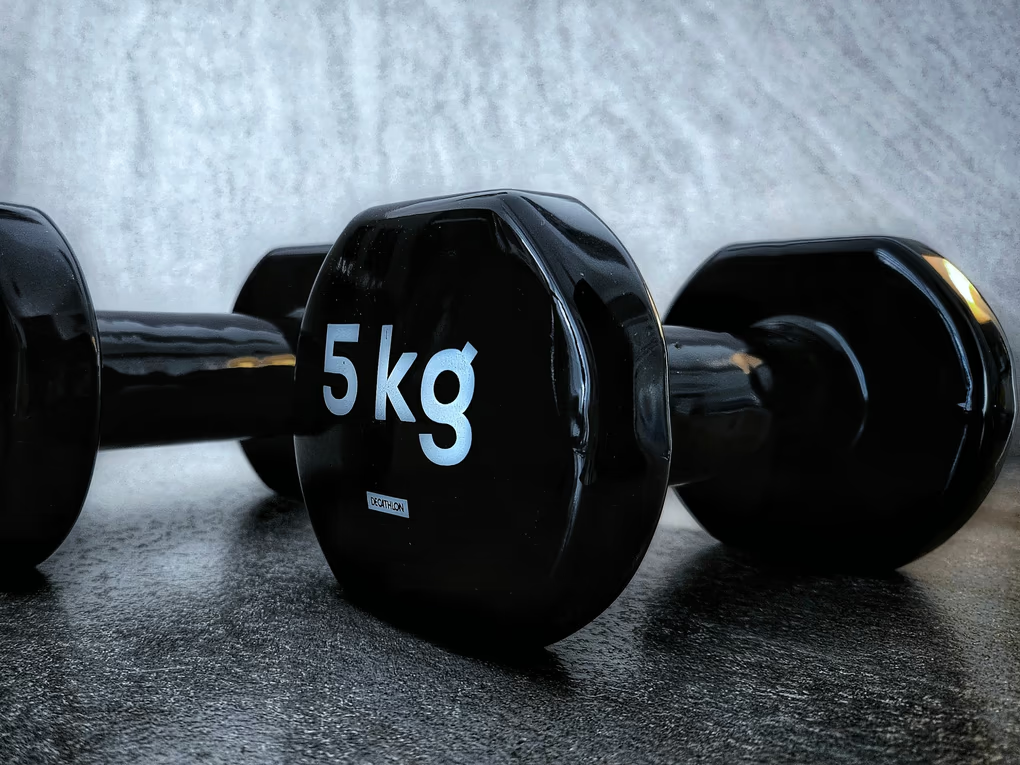
Show the form. Keep the energy.
follow-along / form check / coaching

A walkthrough with a sense of place.
property tour / listing / detail reel
Less dead air. More “I get it.”
course / screencast / how-to
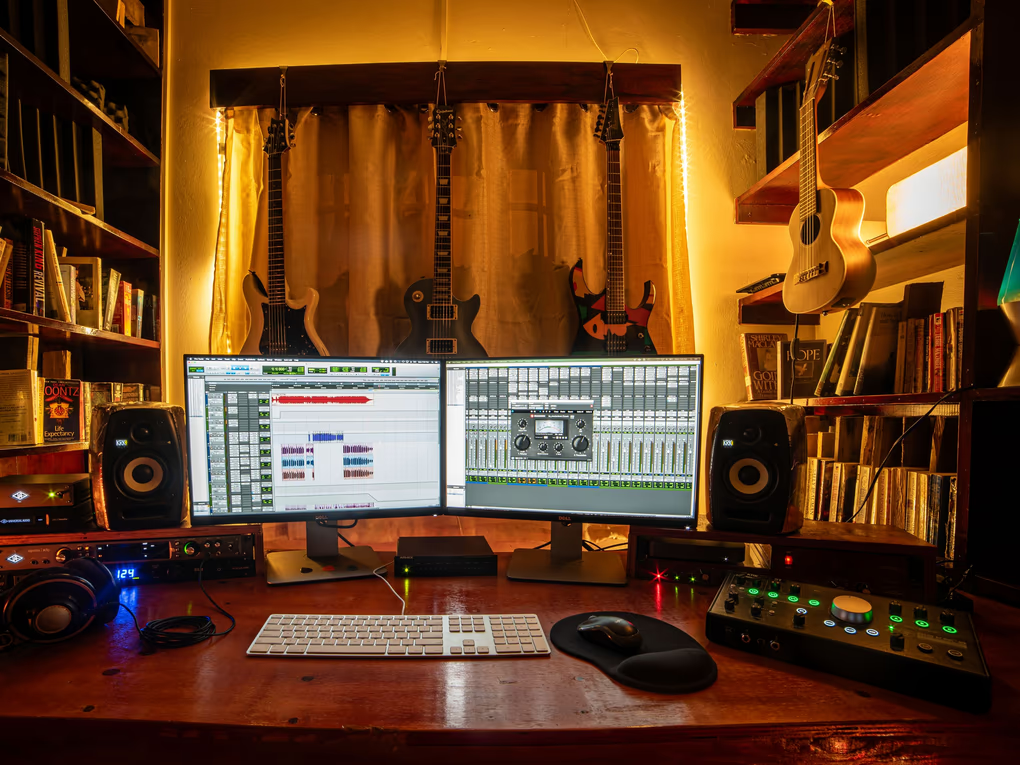
Find the rhythm. Give it a picture.
performance / release teaser / music video