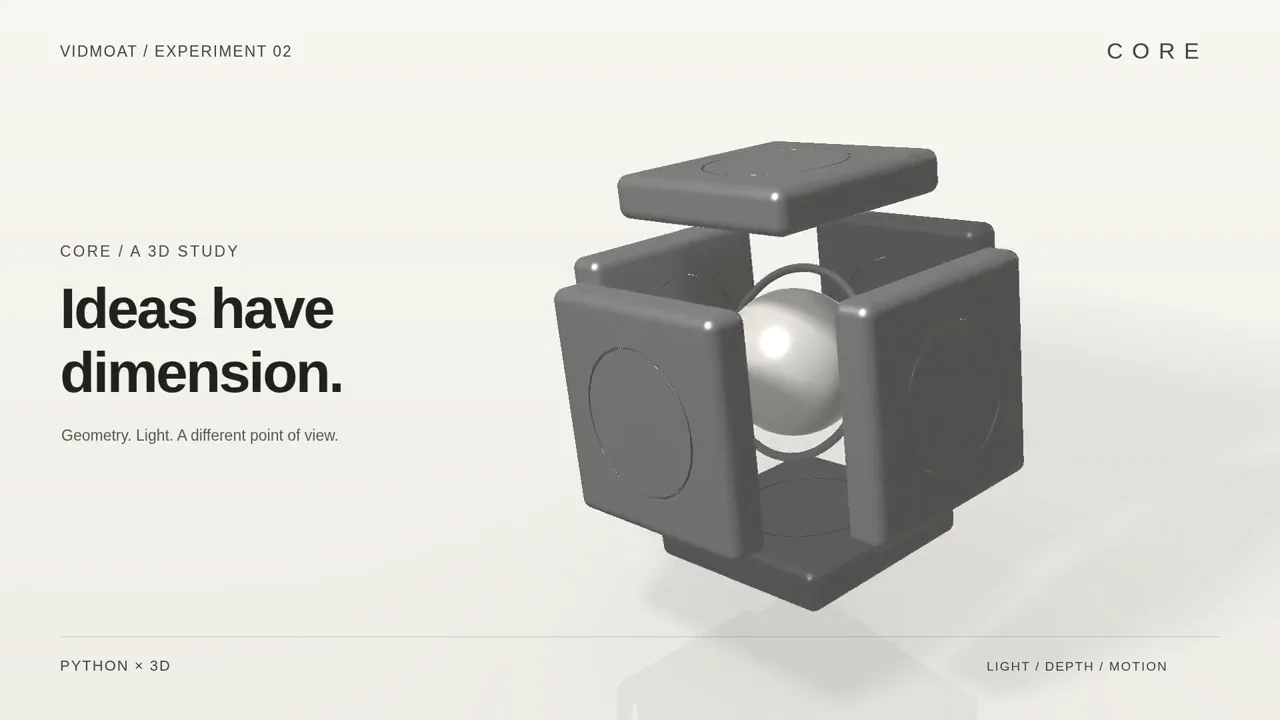
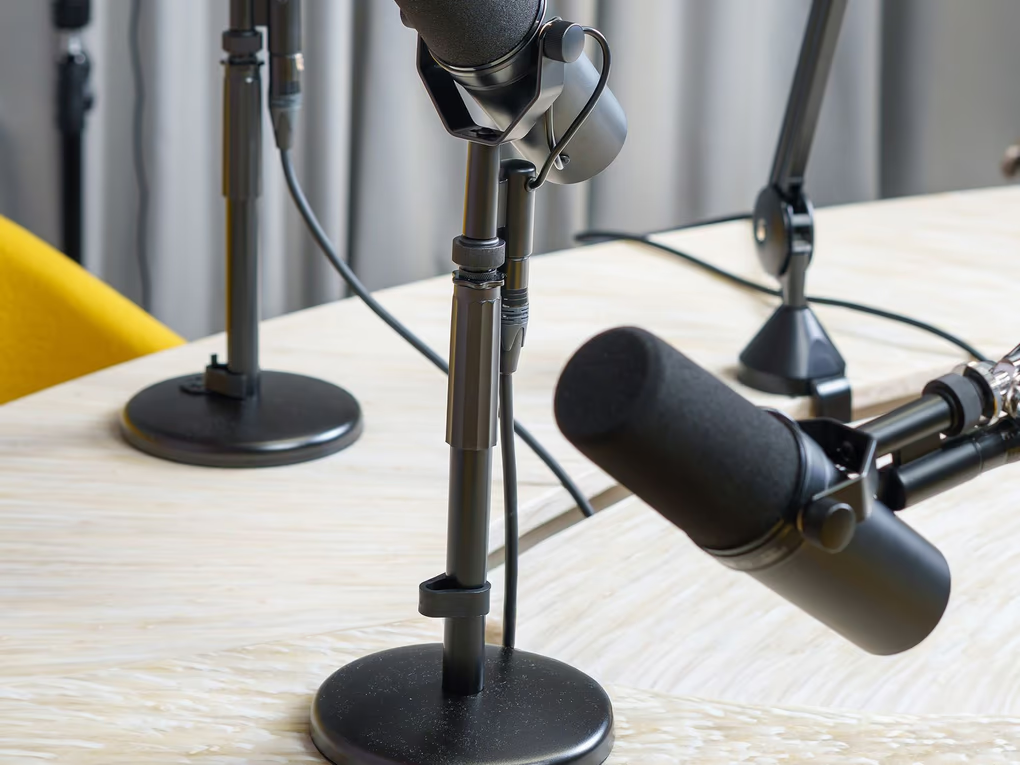
An orbiting camera, an exploded assembly and reflective surfaces. A study in depth, lighting and precise motion.
Procedural 3D · Camera choreography · Lighting
Created with an external AI collaborator and custom shader code, then animated and rendered in Vidmoat.
Made by the Vidmoat team. The three art films were scripted with an external AI collaborator and rendered in Vidmoat; the launch film is a recording of the app.
You call the shots.
✳
What delegating means
Hand over the footage and say what you want. The agent watches every minute, cuts it, captions it and grades it on a real timeline, then gives you back an edit you can still change by hand.
01 ↗
Drop the footage.
Bring the clips. The good takes, the outtakes, all of it.
02 ✦
Say the word.
Type it, text it or talk it through. Your agent gets to work.
03 ▶
Make it yours.
Keep what you love. Tweak every cut. You get the final say.
What Vidmoat does
Your idea. A few ways to roll.
Type what you want.Watch itedit itself.
Never opened a video editor? It does not matter. Tell the agent "make this a punchy TikTok" and it reads your footage, writes the captions, cuts the dead air and grades the colour, step by step, where you can see it.
✦Understands what is said in your clips, word by word
Auto-Cut sits through the long footage so you do not have to.
It finds the takes worth keeping, removes the dead air and lays the story out on the timeline. Every cut stays editable, because you will want to tweak it anyway.
Send a clip, or text @vidmoat_bot on Telegram, with a line like "cut the silence and add captions". The same agent that runs the web editor does the work and sends the finished video back into the chat.
✦Send straight from your camera roll
✦Same projects, plan and credits as the web editor
podcast_clip.mov: "cut the awkward silence and add captions"
✦On it. Trimming the dead air.
✦Captions added, synced to each word.
cleaned_podcast.mp4, 0:42, ready to download
Same timeline.Your agent can drive it too.
Claude, ChatGPT, Cursor and your own agents reach the same editor over MCP, with 90 tools, on every plan. They import footage, edit the timeline, look at frames and render, and you can open the result and change it by hand.
Ask for the edit. Get a timeline, not a black box.
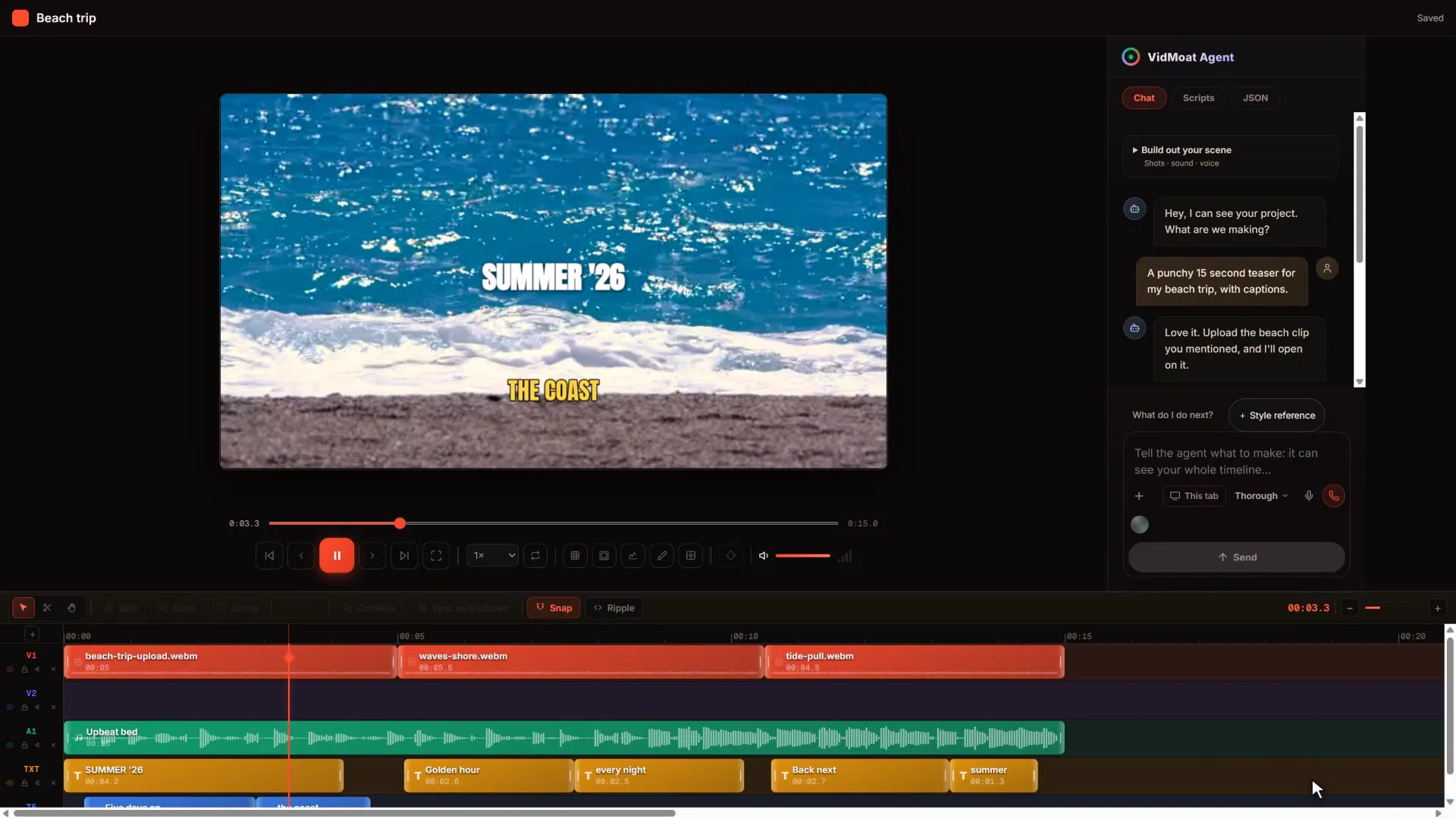
The agent watches your footage, then cuts, captions, grades and adds music on the same timeline you use. It shows its plan before it starts, and every step can be undone or changed by hand.
Recorded in the product. The agent's 15 second teaser, open in the editor: every clip, caption and the music bed is on the timeline.
Live calls
Talk it through on a call.
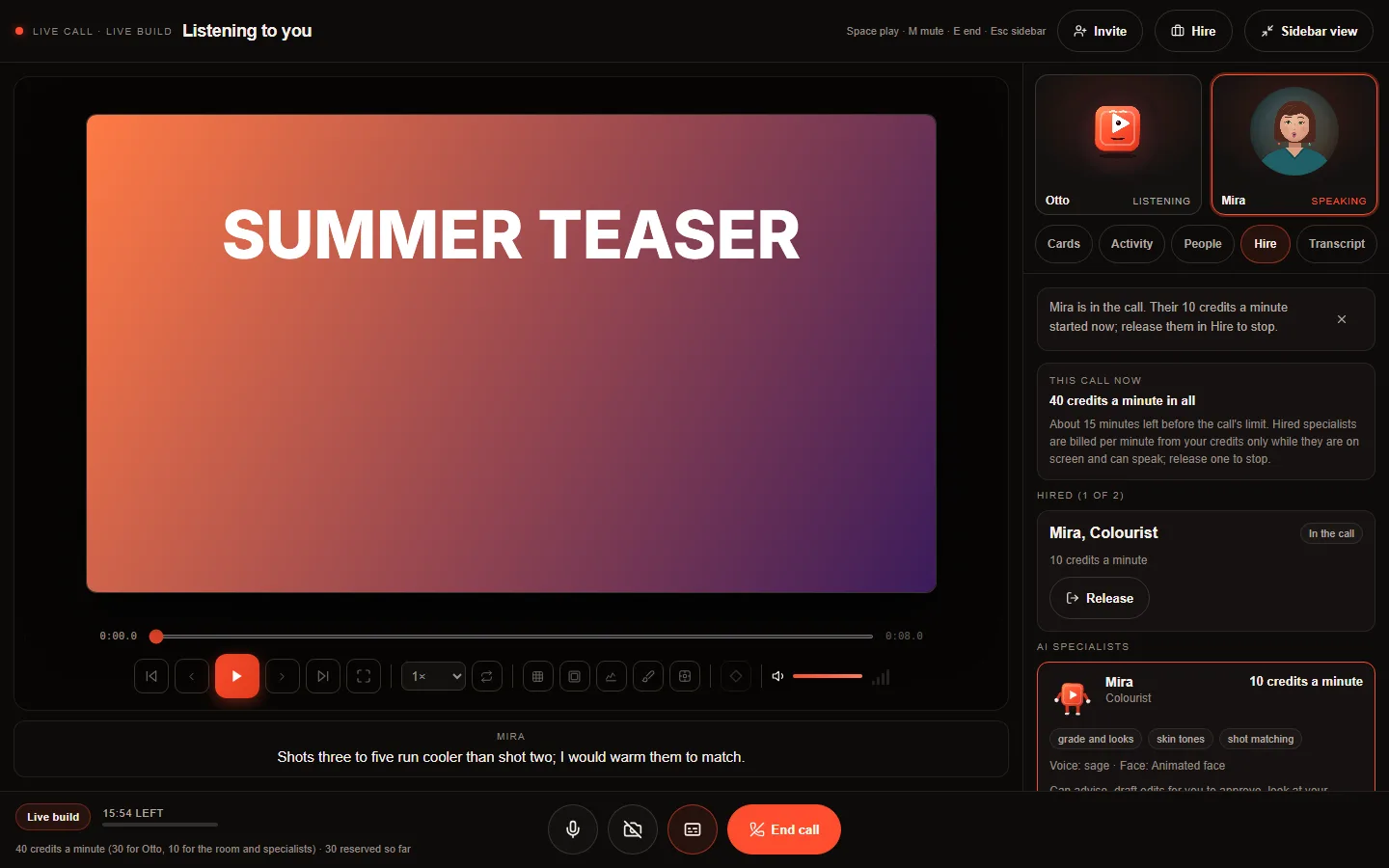
Start a call and Otto edits while you talk. Bring in an AI specialist, such as a colourist, and see the cost per minute on screen for as long as the call runs. Prefer a person? Hand the project to a human editor.
Phone
The same project in your pocket.
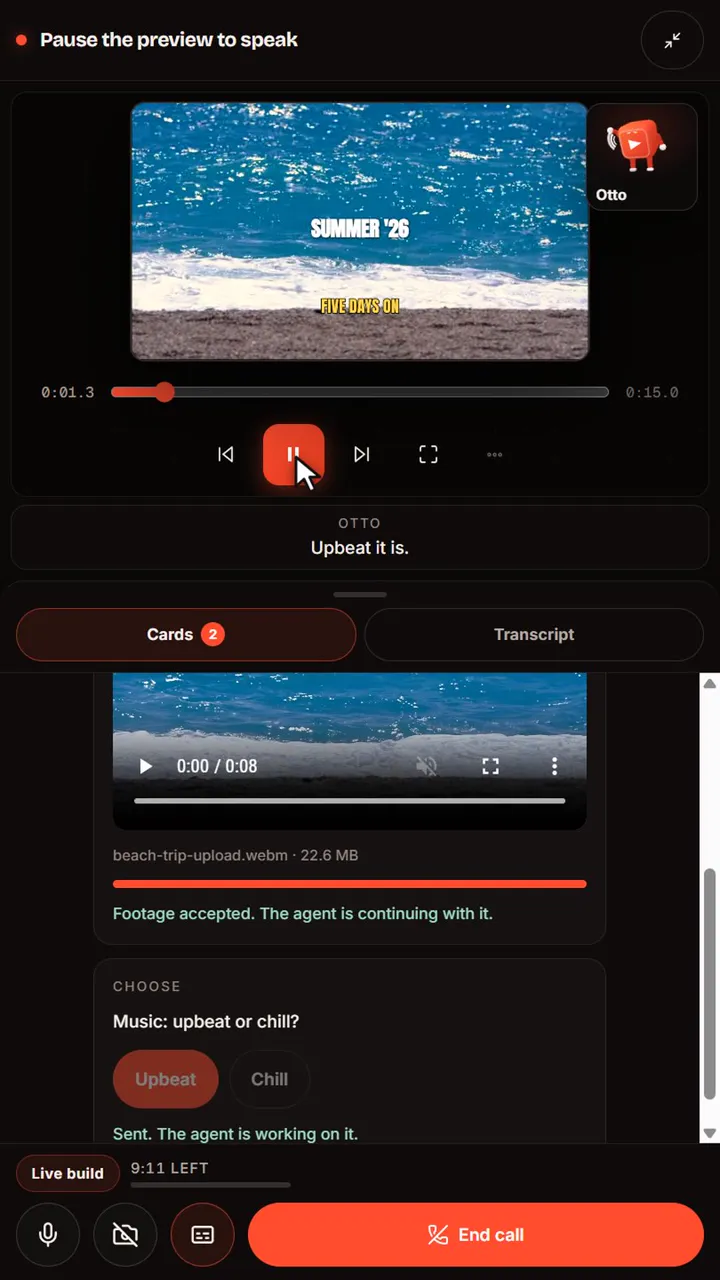
The iPhone and Android apps open the same projects, run the same agent and join the same calls. Start on the train, finish at the desk.
Whatever you make
Your kind of video.
Find a workflow, an editing brief and a guide for the footage you make.
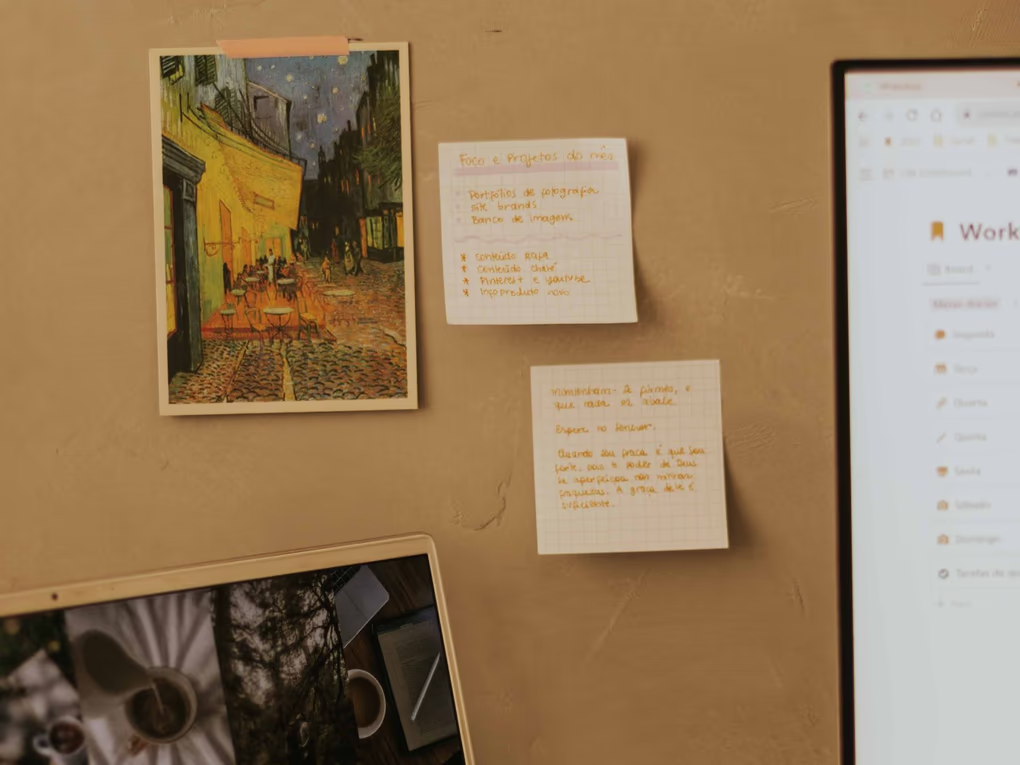
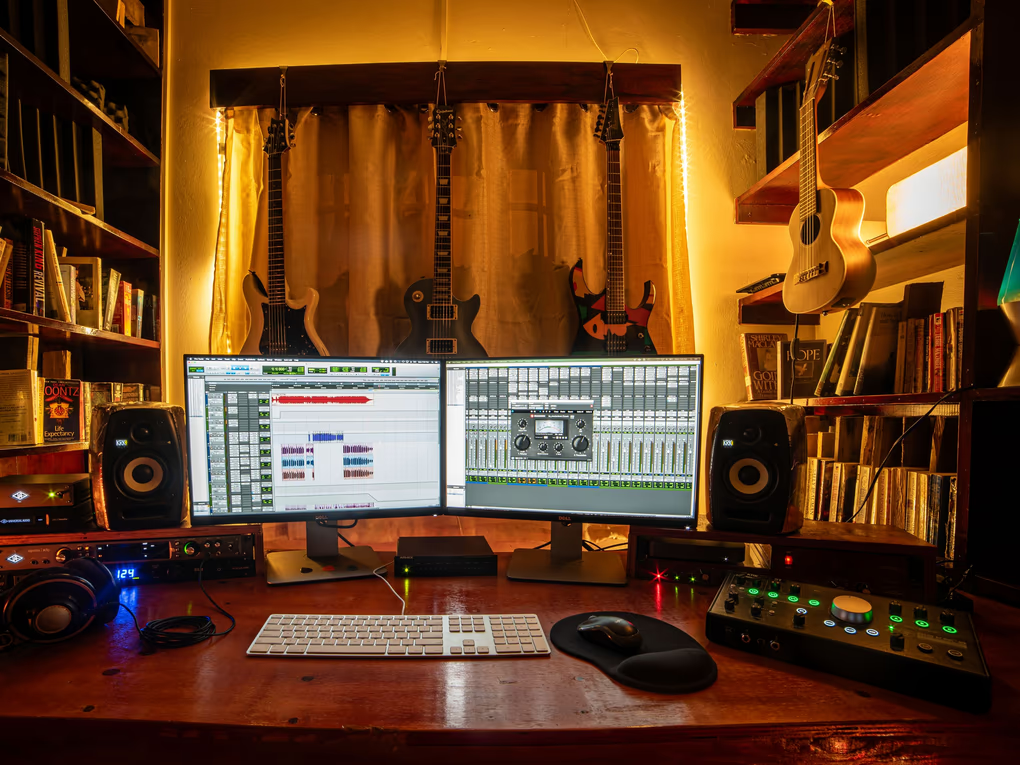
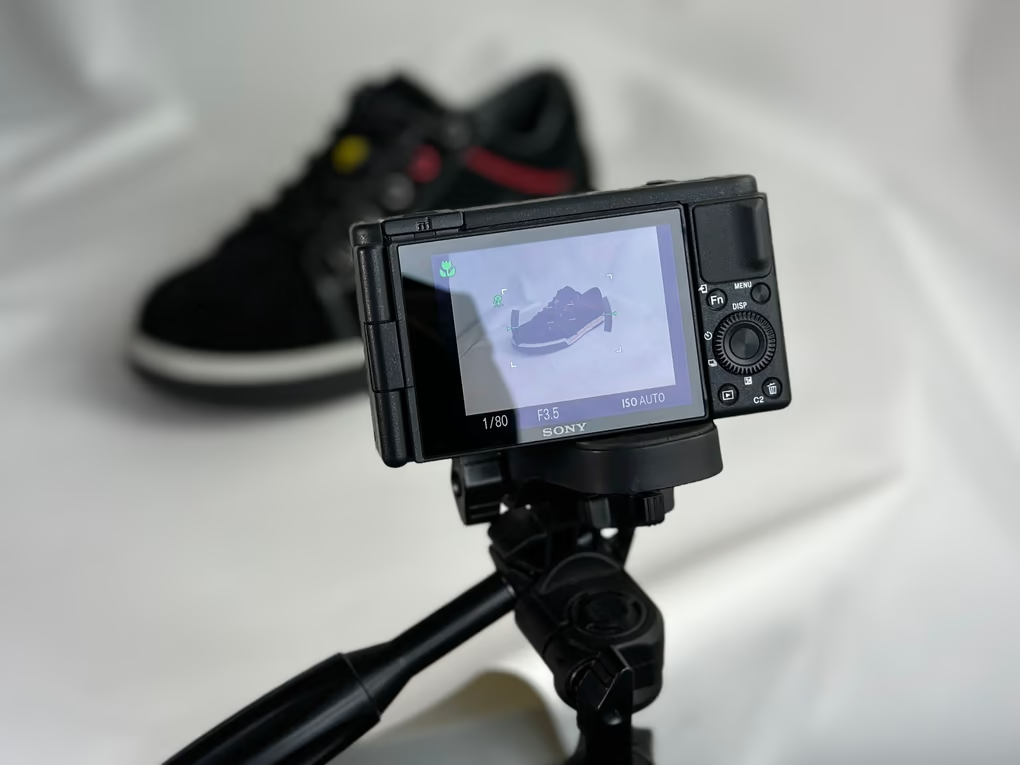
Example workflows, not customers. Frame photography via Pexels: Atahan Demir, Jakub Zerdzicki, MART PRODUCTION, Elena Kravets, Max Vakhtbovych, Letícia Alvares, Dominik Gryzbon, J. S.
Trust
Built to be checked.
Costs before credits
AI actions say what they cost. A call shows its rate per minute and its cap while it runs.
Nothing is final until you say so
Agent edits land on an editable timeline and can be reverted, step by step.
Exports you can verify
MP4 and WebM exports carry a signed tag that anyone can check against our ledger.
Built by Buzz Innovations Ltd, registered in the UK as company 17212684. Vidmoat is a hosted AI video editor, not VidMate, the Android video downloader.