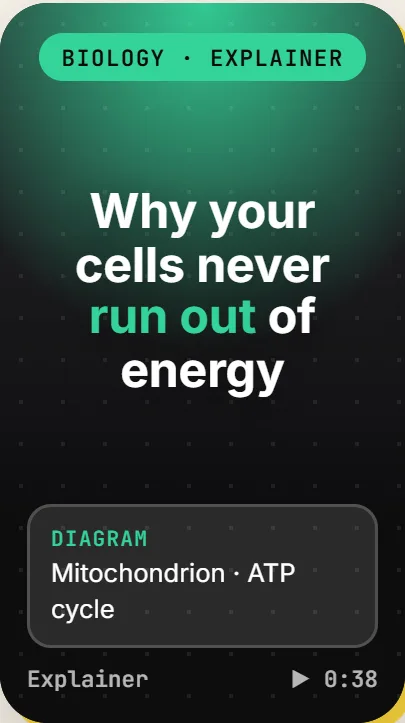
Explainer
A hook, three or four beats each with a teaching visual, a quick check and a takeaway.
 A VIDMOAT PRODUCT, BUILT ON OUR API
A TikTok-style feed of short narrated lessons that follows what you actually study: your level, country, school, course and exam. Each video is written and produced as you scroll, with a quick check after it so it sticks.
Free to start with a free Vidmoat account. Open source under the MIT licence.

HOW IT WORKS
Your level (middle school to postgraduate, professional, or just curious), your country, school, course or subjects, and the exam you are preparing for. StudyTok matches the course to its built-in catalog, or researches what your institution actually teaches.
Lessons are written and produced unit by unit, in order, while you scroll. Nothing is pre-recorded, and nothing is exported to a video file: every lesson plays live in the Vidmoat player.
After each lesson the video waits for your answer. A right answer brings the unit back for review after 1, 3, 7 and then 21 days; a wrong one brings it back 20 minutes later.
EIGHT FORMATS
Each lesson runs 25 to 50 seconds in one of eight formats, and each format has its own structure, type, captions, colour grade, transitions, music and narrator. The feed never plays the same format twice in a row.
A hook, three or four beats each with a teaching visual, a quick check and a takeaway.
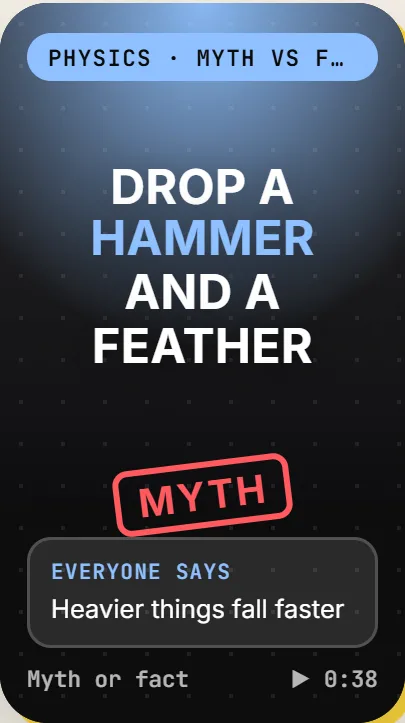
A belief stamped MYTH, the truth stamped FACT, and two reasons why.
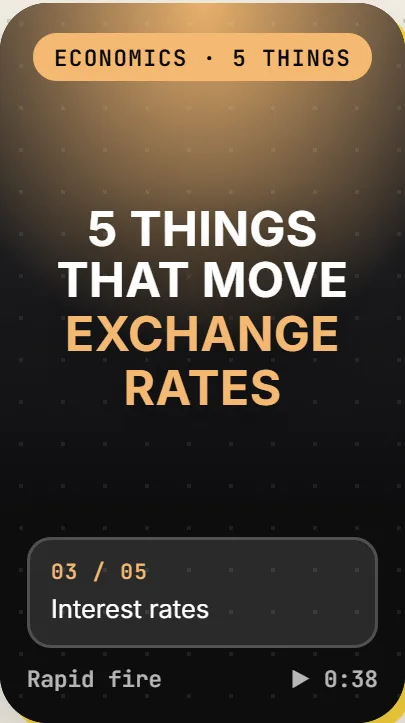
Rapid-fire facts with a numbered counter over full-bleed footage, then a ticked recap.
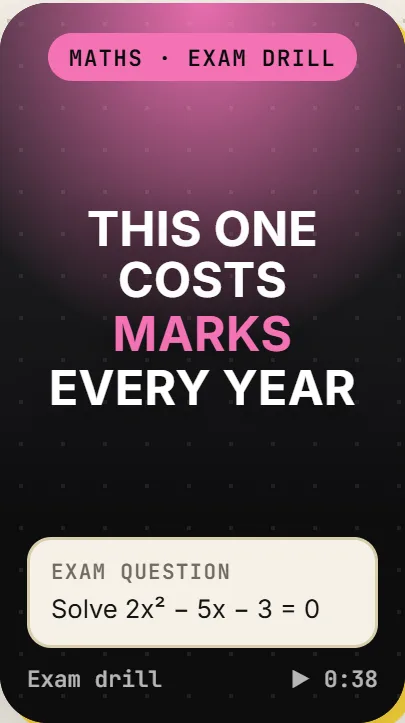
An exam-style question, a pause to try it, the worked solution, the common mistake and a marks tip.
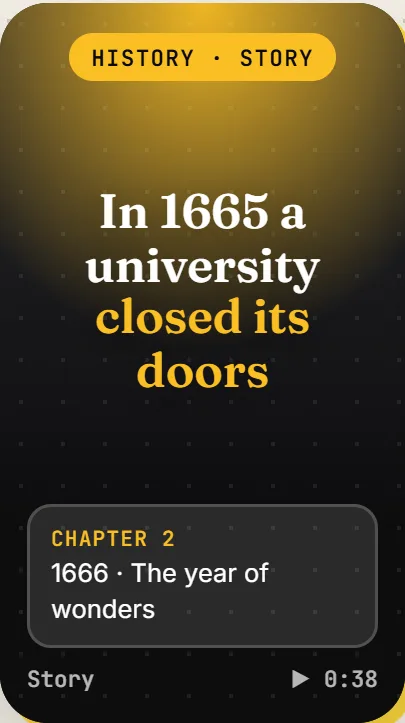
Chapters with datelines and real photos, letterboxed with a cinematic grade.
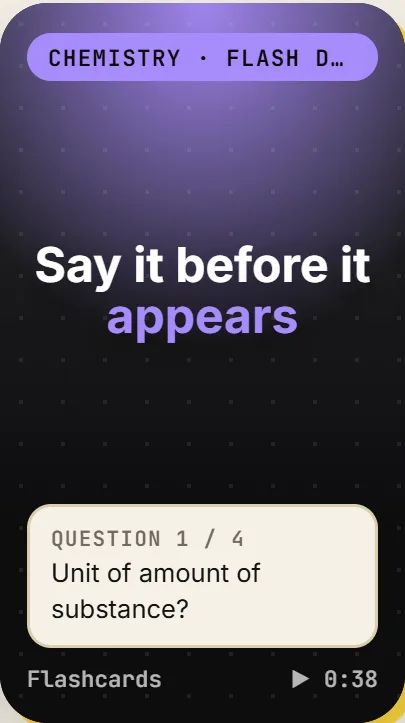
Question and answer cards with a beat to answer each before it flips.
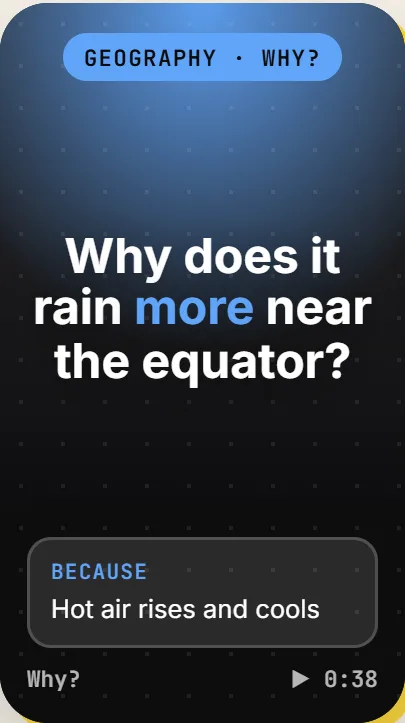
One big why, answered as because, which means, so.
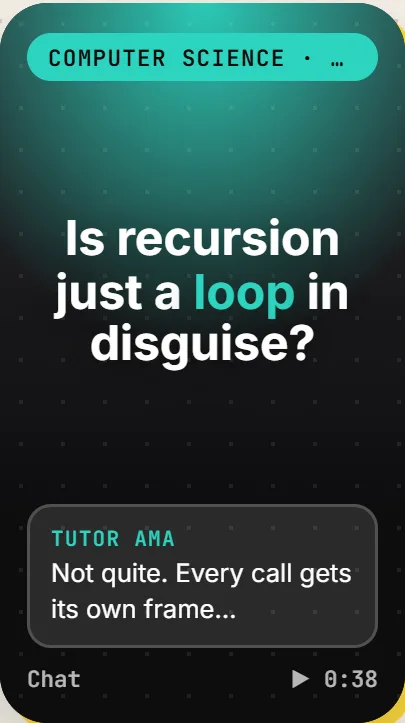
A student texts a tutor, and the answer unfolds bubble by bubble.
Sample cards from the StudyTok landing page, one for each format.
WHAT IS INSIDE
A built-in catalog for common programs and web research for everything else. A researched course is kept and shared with classmates on the same course.
A different narrator for each format, word-timed captions, sound effects on the cuts and a music bed ducked under the voice.
Diagrams, steps, timelines, comparisons, equations and stats, alongside real photos and stock footage.
Spaced repetition brings each unit back for review when it is due, and the feed walks you through the course in order.
A recommendation engine weighs what you like, where you are in the syllabus, what is due for review and what you just saw. A Why sheet shows the parts, and Less turns a topic down.
Add your own topics, choose video length, visuals and difficulty, turn narration off, and untick what you have already mastered.
It installs like an app: add it to your home screen and it opens full screen.
BUILT ON THE VIDMOAT API
StudyTok writes each lesson, turns it into edit commands and sends them to the Vidmoat API with the narration, captions, photos, footage, sound effects and music. It reads back the finished edit and plays it live in Vidmoat's embed player, the same canvas as the editor, so nothing waits on a render. People sign in with Sign in with Vidmoat.
The calls it makes
/v1/ai/speechThe narration, in a different voice for each format./v1/ai/transcriptionsWord timings, so the captions land on the words./v1/stock/searchPhotos and footage for the beats./v1/media/importCopies the chosen footage, music and sound effects in./v1/projectsOne call creates the lesson with its whole edit as commands./v1/projects/{id}?view=documentReads back the finished edit document./embed/playerPlays the document live, with no MP4.BUILD YOUR OWN
StudyTok uses the same API anyone can. Register an app in the developer console, start with a free test key, and let people sign in with the Vidmoat account they already have. Or fork StudyTok and make it yours.
QUESTIONS
Free to start. You sign in with a free Vidmoat account, and your first videos are made on StudyTok's own credits. After that you connect your own Vidmoat account, and each new video you set off spends your Vidmoat credits. Videos that are already made keep playing either way.
Signing in asks only for the read-only account scope: StudyTok reads your name and email once and discards the tokens. Only when you choose to use your own account for new videos does it ask for the generation scopes, and those tokens are sealed at rest. It never touches your renders or exports.
Common programs are in a built-in catalog. For any other course, StudyTok researches what your institution teaches and builds the syllabus from that, and you can add topics of your own in your own words.
No. Each lesson is made as a Vidmoat project and played live in Vidmoat's embed player, so nothing is ever exported to MP4.
Yes. StudyTok is a web app you can install: on Android or a computer use Install StudyTok in your profile, and on an iPhone use Share, then Add to Home Screen. It opens full screen.
Yes. StudyTok is open source under the MIT licence. Its README explains how to run it with a Vidmoat API key (and an Anthropic API key for writing lessons and researching courses) and how to deploy it.
Pick your level and course, then swipe and learn.
Open StudyTokMade by Vidmoat, a Buzz Innovations Ltd. company. See everything Vidmoat makes.